轨道 · 写下来的字
pprof
安装生成火焰图工具
go get github.com/uber/go-torch
下载graphviz
MacOS
brew install graphviz
Ubuntu
sudo apt-get install graphviz
Centos
yum install graphviz
net/http pprof
import _ "net/http/pprof"gin pprof
import "github.com/gin-contrib/pprof"
r = gin.Default()
pprof.Register(r)
r.Run(":9001")
go tool
打开pprof可视化页面
go tool pprof -http=:9090 http://localhost:9001/debug/pprof/profile?seconds=60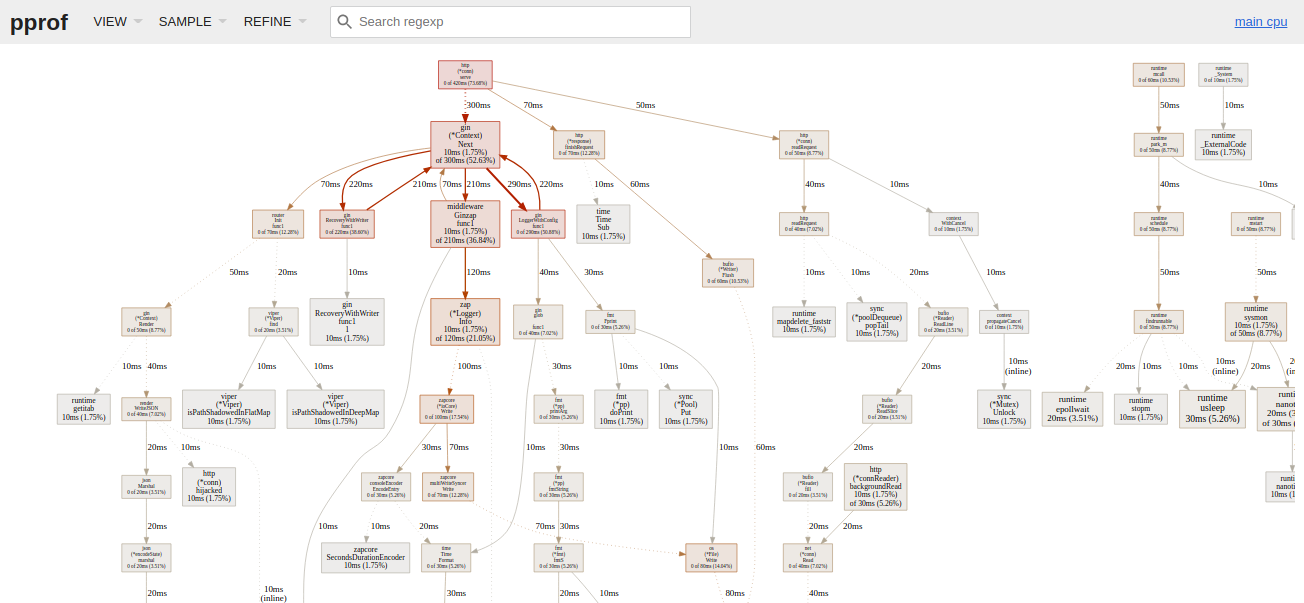
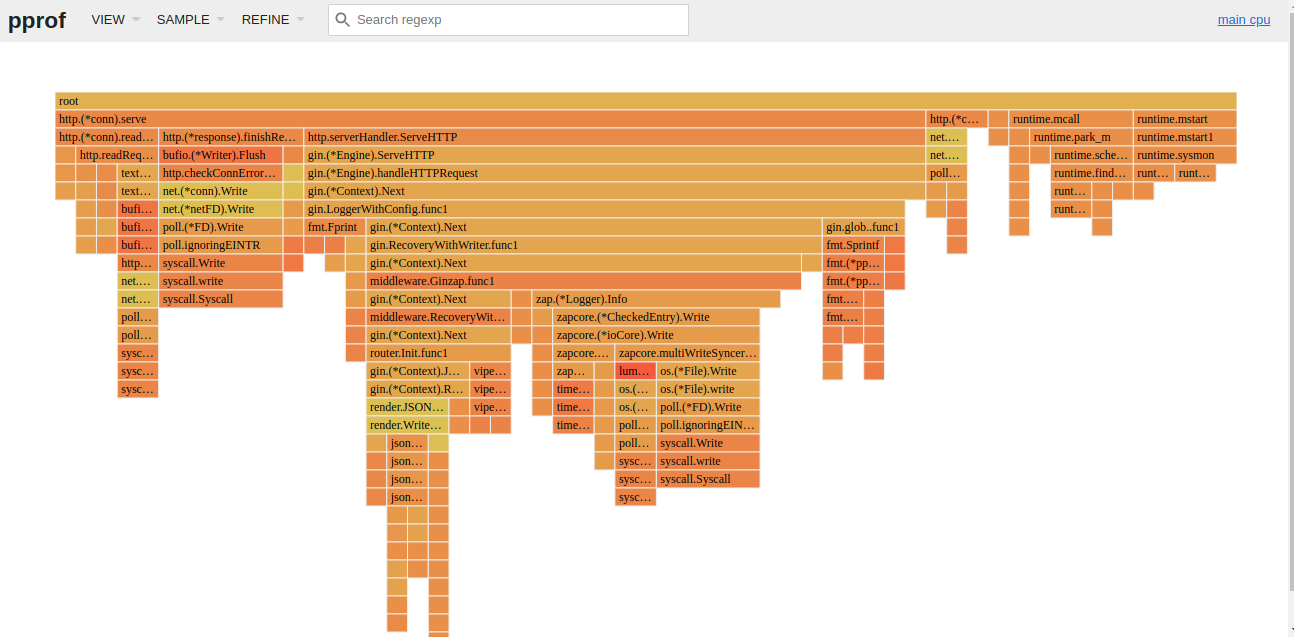
打开一个交互页面
-inuse_space: 分析程序常驻内存的占用情况
-alloc_space:分析内存分配的总空间
go tool pprof -inuse_space http://localhost:9001/debug/pprof/heap
go tool pprof -alloc_space http://localhost:9001/debug/pprof/heap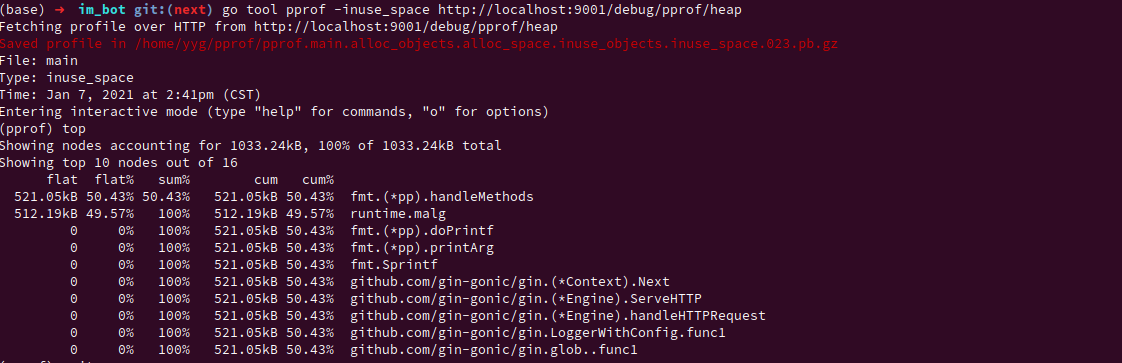
Pyroscope
golang 性能分析工具
server
docker run -it -p 4040:4040 pyroscope/pyroscope:latest serverapp
package main

import "github.com/pyroscope-io/pyroscope/pkg/agent/profiler"

func main() {
  profiler.Start(profiler.Config{
        ApplicationName: "backend.app",
        ServerAddress:   "http://localhost:4040",
    })

  // your code goes here
}